
Brindo › Everyone’s photos in one album
How to get all your friends’ photos from a party in one place
Short answer: make one shared album and send its link or QR code to the group before the photos scatter. Apple’s Shared Albums and Google Photos are free and work for most groups. Brindo adds the step after: everyone adds their photos, then each person keeps only their favourites. For now, everyone needs Brindo on an iPhone or iPad.
“Send me the photos!” After a party, a wedding or a weekend away, the best photos are on other people’s phones. Some arrive in the group chat, compressed. Most never arrive. And the host, too busy to take any, ends up with none.
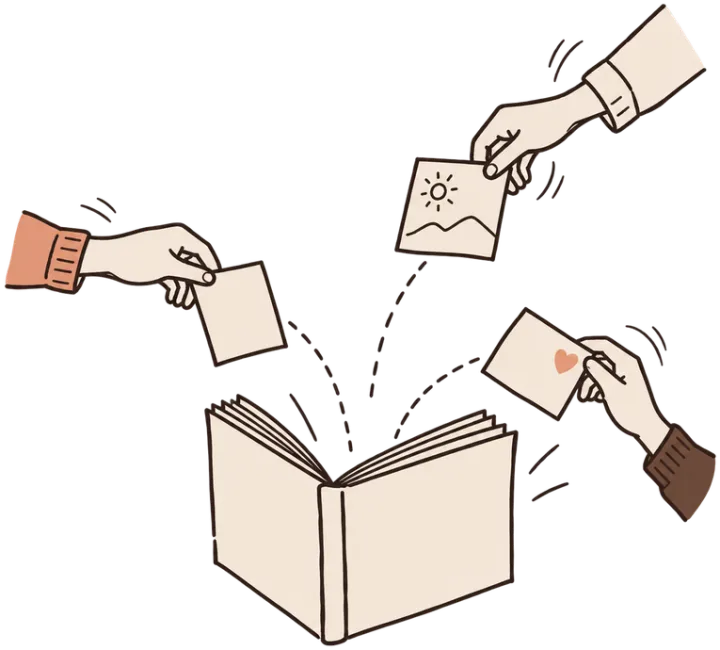
How to collect everyone’s photos
- Make the album early, before the party or on day one of the weekend, and name it.
- Share one link or QR code in the group chat, or put the QR code on a table card.
- Ask clearly: “Add your photos here, no need to send them to me.”
- Send one reminder the next day, while people still have them.
- Keep the best. A shared album fills up fast. Pick your favourites and leave the rest.
Your options compared
| Option | How friends join | Good for | Price |
|---|---|---|---|
| Brindo shared albums | QR code or link, in the Brindo app (iPhone, iPad) | Groups who want everyone’s photos and then only their favourites | Free during the beta |
| Apple Shared Albums | Link invite; since iOS 27, Apple says friends can add on the web “even without an Apple Account” | Mostly-iPhone groups; up to 100 people | Free; iOS 27 albums use the owner’s iCloud storage |
| Google Photos | Link, QR code or Google contacts | Mixed iPhone and Android groups | Free; uses Google storage |
| Kululu | QR code or link in the browser, no app | Parties and weddings with many guests | Free plan with limits; one-time fee per event |
| POV | QR code or link; App Clip on iPhone | Disposable-camera style events | Free up to 10 guests; one-time fee per event |
| GuestPix | QR code or private link in the browser | Weddings and parties | Free plan with limits; one-time packages |
Why collecting isn’t the end
A night with ten friends can mean hundreds of photos. Saving all of them fills everyone’s phone with someone else’s blurry photos. In a Brindo shared album:
- Everyone adds theirs. Friends join with a QR code or a link and add photos from their camera roll.
- Everyone keeps their favourites. Each person swipes through the album and keeps only the photos they want; those are saved to their Apple Photos at full quality.
- The host stays in control. The person who made the album can close joining, change the link, and remove someone along with their photos. Anyone can block or report.
- Encrypted when shared, and no account to make.
Brindo shared albums are part of the public beta, and friends need Brindo on an iPhone or iPad for now.
Questions people ask
How do I get all my friends’ photos from a party in one place?
Make one shared album before or during the party and send the link or QR code to the group chat, with a clear ask: “add your photos here”. Then send one reminder the next day.
What is the best shared album app for iPhone and Android?
Google Photos works on both, and since iOS 27 Apple’s Shared Albums let friends on Android or Windows join and add photos on the web. Event services such as Kululu, POV and GuestPix let guests add photos by scanning a QR code, without installing an app.
How does a shared album work in Brindo?
You make a shared album and invite friends with a QR code or a link. Everyone adds their own photos, then each person swipes through everyone’s photos and keeps their favourites, which are saved to their Apple Photos. Friends need Brindo on an iPhone or iPad for now.
Do shared albums lower photo quality?
It depends on the service. Apple’s Shared Albums created in iOS 27 keep full resolution; older ones reduce photos to 2048 pixels. In Brindo, the photos you keep are saved at full quality.
Do my friends need to download the app?
Yes, for now: friends need Brindo on an iPhone or iPad. Then they join with your QR code or link, with no account to make.
Can friends on Android add photos to a Brindo shared album?
Not yet. For now everyone needs Brindo on an iPhone or iPad. For a group with Android phones, Google Photos shared albums work on both.
Is Brindo good for a wedding?
For a big wedding, a QR service that works in the browser is easier, because guests don’t need an app. Brindo suits a group of friends with iPhones who each want to keep their favourites.
Do I have to keep every photo from the party?
No. In Brindo everyone keeps only their own favourites from the shared album, so you don’t fill your phone with every photo from everyone.
More answers
- Best app to clean up iPhone storageFree tools first, then the photo cleaner apps compared.
- Swipe to delete photosSwipe right to keep, left to delete: the apps compared.
- Delete similar and duplicate photosMerge duplicates for free, then keep the best of the rest.
- Clean out your camera rollToo many photos to go through? Where to start, step by step.
- Clean up safelyScared to delete the wrong photo? What to check, and how to get one back.